★ Signature Profile · Room
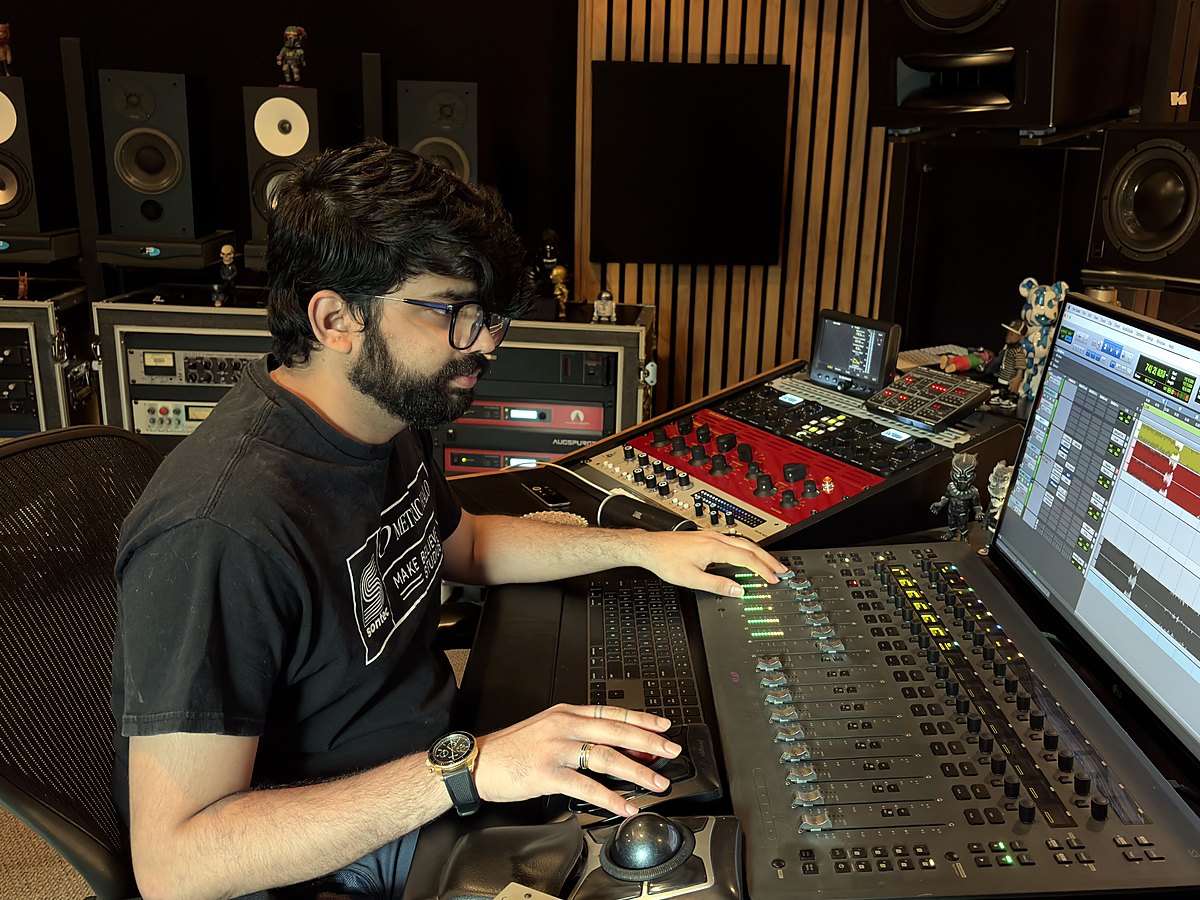
Rupendar Venkatesh
Chennai, India · Mix Magic Studio · 350+ credits · 1× Diamond, 30× Platinum, 158× Gold
“This has become my default. I wouldn't listen or mix without it now.”
Rupendar Venkatesh's profileHarman referencezones this profile moves20 Hz – 20 kHz · ±15 dB
What it changes
| Zone | Range | Move | Where | Q |
|---|---|---|---|---|
| Warmth | 120 Hz – 250 Hz | +1.4 dB | around 175 Hz | 0.7 |
| Body | 250 Hz – 500 Hz | +1.6 dB | around 355 Hz | 0.7 |
| Vocals | 500 Hz – 2 kHz | +1.2 dB | at 1.09 kHz | 0.7 |
| Everything else is the Harman reference. Domain: room. | ||||
About this profile
Three moves on Harman: +1.4 dB of warmth around 175 Hz, +1.6 dB of body around 355 Hz, and +1.2 dB on the vocals at 1.09 kHz. Everything else is the reference.
Signed file
rupendar-venkatesh.clearroom-target
How to use a Signature Profile
1
Download the signed file
Click Download to save the .clearroom-target file to your Mac. It carries the artist’s signature, so Clearroom shows the ★ and their name once it is imported. Keep it anywhere you like.
2
Choose Custom as your target
In Clearroom, measure your room or pick your headphones as usual. To use a room you have already measured, click the target chip with the ✎ on the main screen. When the Generate screen asks for a target, select Custom. The Target Editor opens.
3
Import it and create your correction
In the Target Editor, click Import, select the file you downloaded, then click Use ▶. The Custom card on the Generate screen now carries the artist’s profile, with the ★ and their name attached. Click Create Correction to build your correction towards their curve. The signed file is never overwritten: any change you make is saved as your own copy.