★ Signature Profile · Room
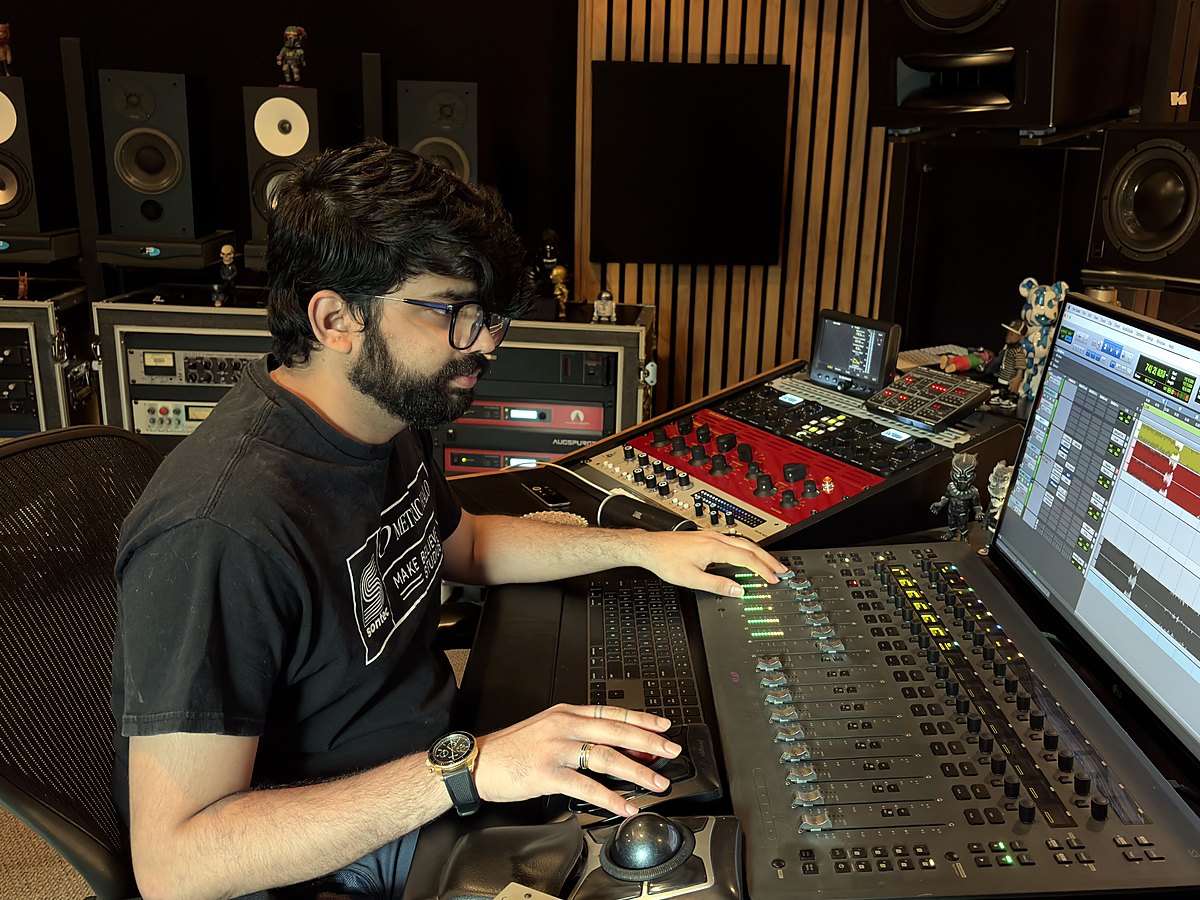
Sanjeevi Easwar
Los Angeles, USA · Grammy-nominated mixing engineer · Ledisi, “The Crown” & “Love You Too” · 68th Grammy Awards
“The best sessions are the ones where you forget the room’s even there. I’ve had a lot more of those since.”
Sanjeevi Easwar's profileHarman referencezones this profile moves20 Hz – 20 kHz · ±15 dB
What it changes
| Zone | Range | Move | Where | Q |
|---|---|---|---|---|
| Sub | 20 Hz – 60 Hz | −1.2 dB | below 60 Hz | 0.7 |
| Bass Punch | 60 Hz – 120 Hz | −1.6 dB | at 67 Hz | 1.0 |
| Body | 250 Hz – 500 Hz | +0.4 dB | at 300 Hz | 1.0 |
| Sheen | 10 kHz – 20 kHz | +0.7 dB | above 10 kHz | 0.7 |
| Everything else is the Harman reference. Domain: room. | ||||
About this profile
Four moves on Harman: the low end tightened with −1.2 dB in the sub below 60 Hz and −1.6 dB of bass punch at 67 Hz, +0.4 dB of body at 300 Hz, and +0.7 dB of sheen above 10 kHz. Everything else is the reference.
Signed file
sanjeevi.clearroom-target
How to use a Signature Profile
1
Download the signed file
Click Download to save the .clearroom-target file to your Mac. It carries the artist’s signature, so Clearroom shows the ★ and their name once it is imported. Keep it anywhere you like.
2
Choose Custom as your target
In Clearroom, measure your room or pick your headphones as usual. To use a room you have already measured, click the target chip with the ✎ on the main screen. When the Generate screen asks for a target, select Custom. The Target Editor opens.
3
Import it and create your correction
In the Target Editor, click Import, select the file you downloaded, then click Use ▶. The Custom card on the Generate screen now carries the artist’s profile, with the ★ and their name attached. Click Create Correction to build your correction towards their curve. The signed file is never overwritten: any change you make is saved as your own copy.